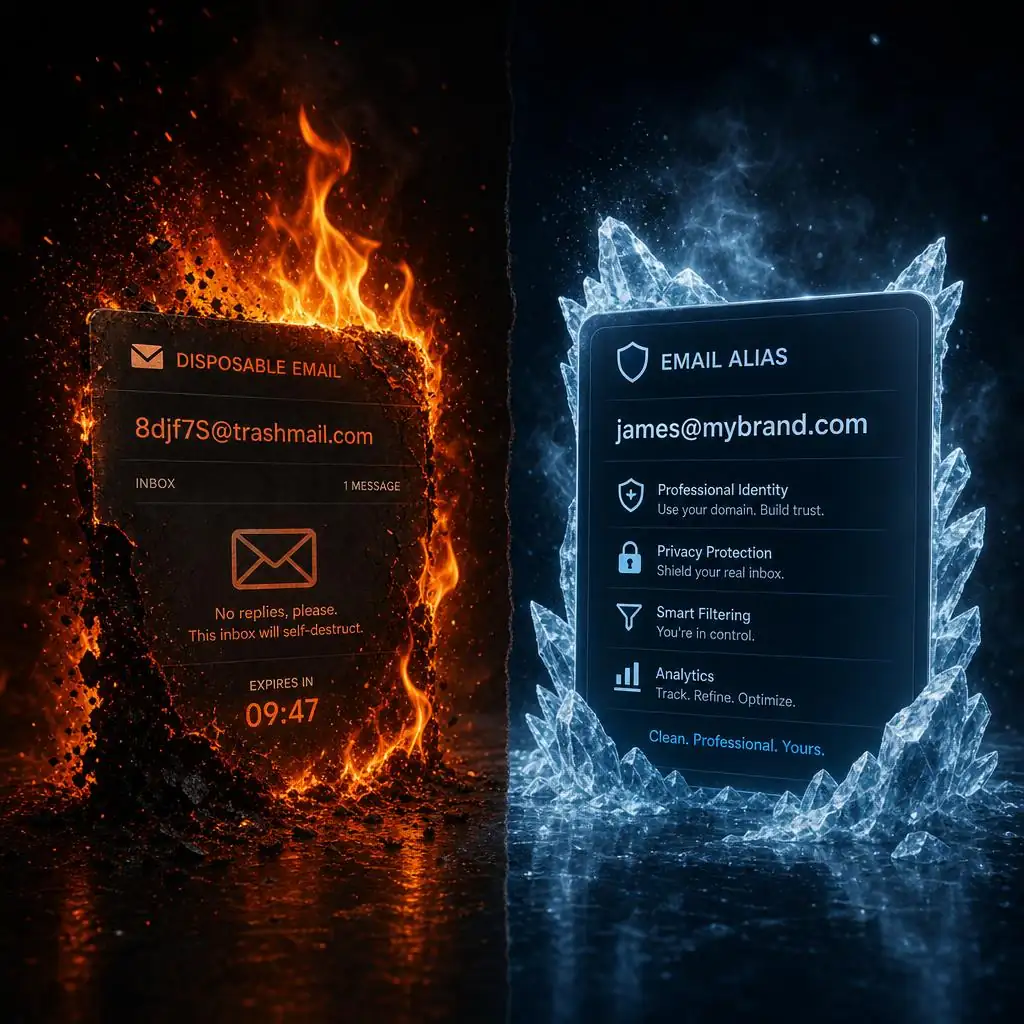
Disposable inboxes and email aliases both protect your real address, but they solve different problems. Here is a clear, honest comparison so you can pick the right one for each situation.
Disposable email and email aliases are often mentioned as interchangeable privacy tools, but they work very differently and shine in different situations. Understanding the distinction saves you from using the wrong one and being surprised later.
What an email alias is
An alias is an alternate address that forwards to your real inbox. Mail sent to the alias lands in the mailbox you already read every day, and you can usually reply as the alias. Because everything routes back to your primary account, an alias keeps your real address hidden from the service but still ties the mail to your identity behind the scenes.
What a disposable email is
A disposable inbox is separate from a primary mailbox and does not forward or reply through that primary account. This can reduce disclosure of the primary address, but the inbox is pseudonymous and not an identity shield.
The three kinds of alias people confuse
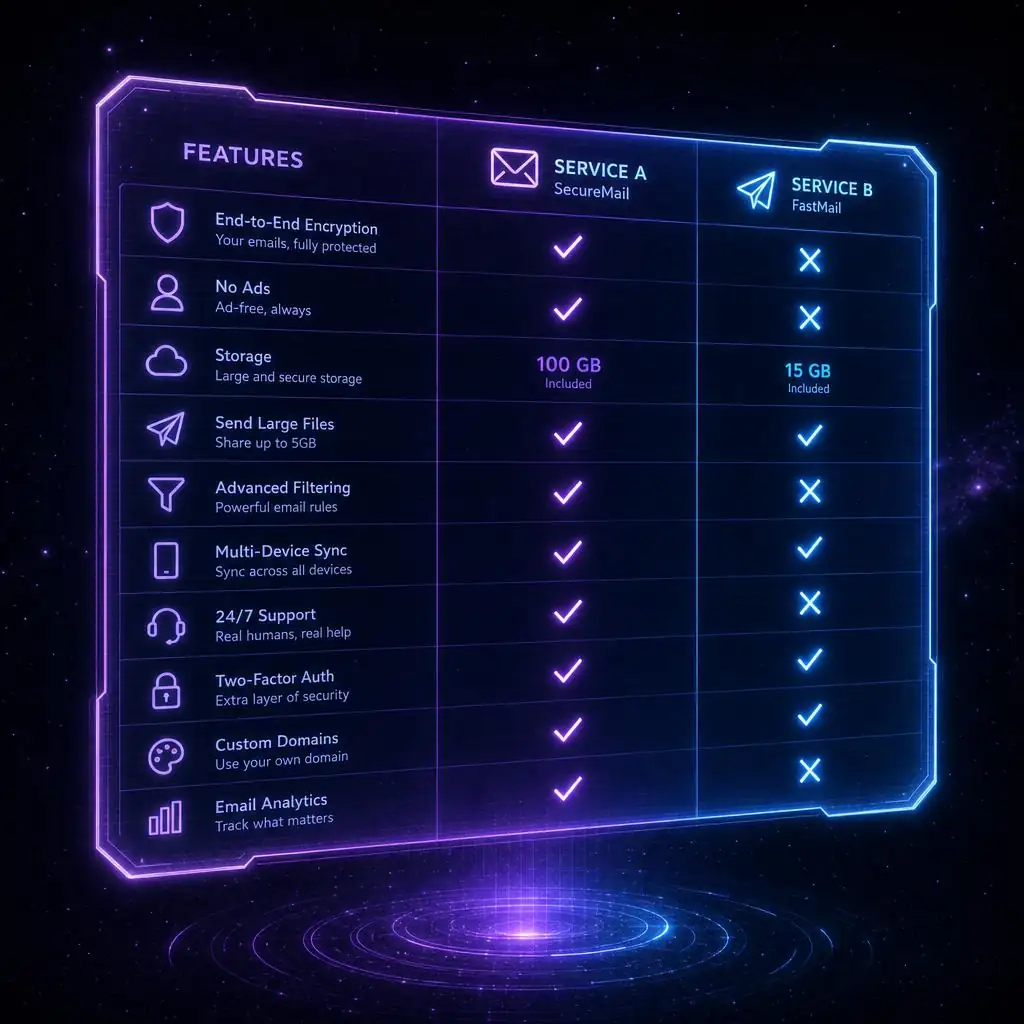
"Alias" covers three quite different things, and the privacy you get depends on which one you mean.
- Plus addressing (yourname+shop@gmail.com). Free and instant on Gmail, Outlook.com and many others. It is good for sorting and for seeing which signup leaked your address, but it hides nothing: anyone can delete the +shop part and has your real address. Some signup forms also reject the + character.
- Provider aliases. Outlook.com, Proton, Fastmail and iCloud let you add extra addresses to one mailbox. The service you sign up to sees only the alias, but the number of aliases is usually limited and deleting one can be permanent.
- Relay or masked-email services such as Apple Hide My Email, Firefox Relay, SimpleLogin and addy.io. Each signup gets a random address that forwards to you, and you can switch any single address off. This is the strongest alias model. The trade-off is that the relay company sits in the middle of that mail, and free plans usually cap how many masks you can create.
When to reach for an alias
Aliases are the better fit when you want mail to keep flowing into your normal inbox but still want the ability to shut off a single sender later. They are ideal for ongoing relationships — a store you buy from regularly, a service you want in your main inbox.
When to reach for a disposable inbox
A disposable inbox wins whenever you want genuine separation. One-off signups, trials, gated downloads, marketplace verifications, and anything you would rather not tie to your real identity all belong here.
Side by side: what actually differs
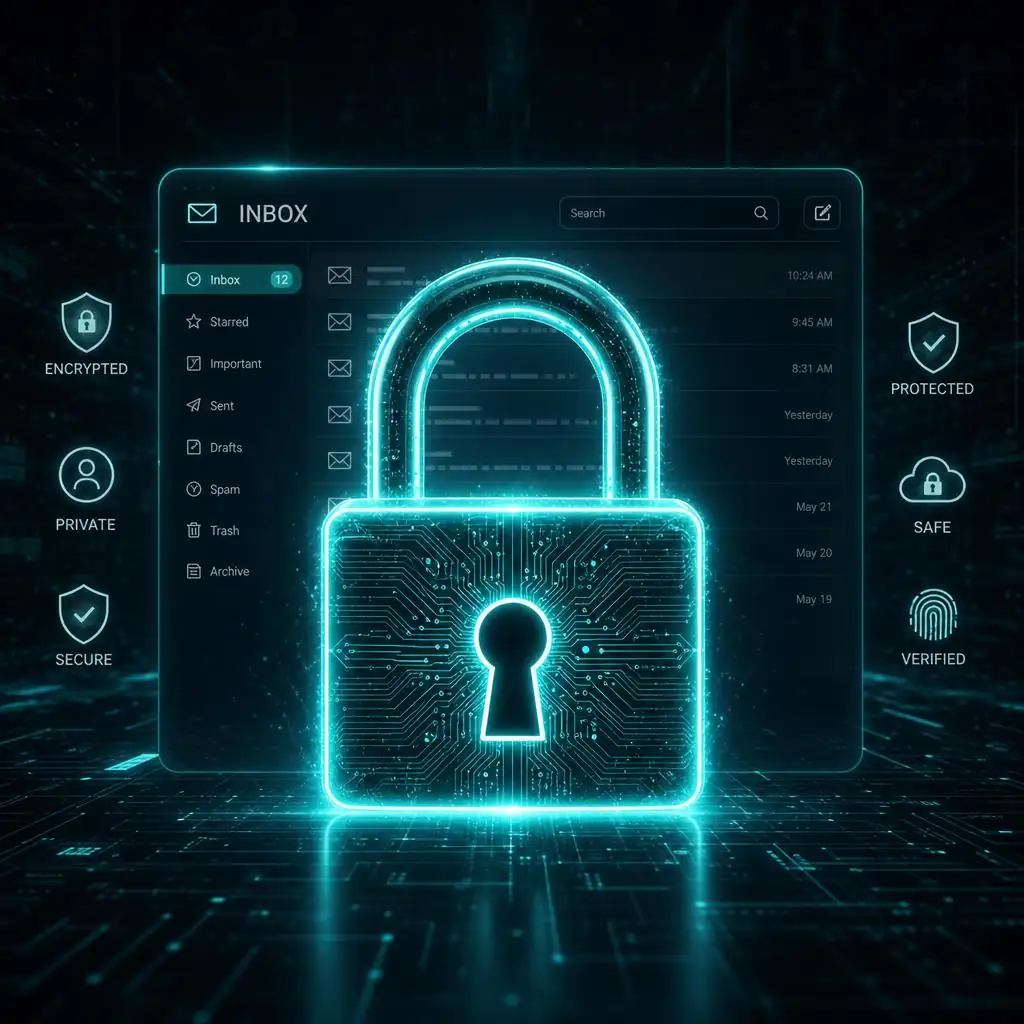
- Where the mail lands: an alias delivers into the inbox you already read; a disposable inbox is a separate place you have to open on purpose.
- Link to your real account: an alias is attached to it by design; a Tmail inbox is created without a name, phone number or existing email.
- Replying: most alias services let you reply from the alias; Tmail is receive-only, so you cannot answer a message at all.
- Recovery: an alias is as recoverable as your main account, with its recovery phone and backup codes; a guest disposable inbox has only the password you saved, and no forgot-password flow.
- Lifetime: an alias lasts until you delete it; a guest disposable inbox has no guaranteed lifetime.
- Acceptance: aliases on mainstream domains are accepted almost everywhere; relay and disposable domains are both refused by some signup forms.
- Setup: an alias needs an account with the provider first; a disposable inbox needs nothing.
Five signups, five answers
- A PDF you want once, behind an email gate: disposable inbox. You need one message, today, and nothing after it.
- A store you will order from again: alias. Order confirmations, delivery updates and returns need to reach you for months, and you may need to reply.
- A forum where you want to read one thread: disposable inbox if the forum accepts it, and only if you would not mind losing the login.
- A newsletter you actually want to read: alias. It arrives in your normal inbox, and if the list is ever sold you switch off that one address.
- Banking, government portals, your main cloud account: neither. Use your real, well-protected address so recovery always works.
Where each one fails
Aliases fail quietly. Because every alias leads back to one mailbox, that mailbox is still the single point of failure: if someone gets into it, they can read mail for every alias at once. Plus addresses give almost no privacy. And a relay is one more company that can have an outage or change its free plan while your logins depend on it.
Disposable inboxes fail loudly. Lose the password and the inbox is gone, because there is no recovery email or phone behind it. The mailbox may not exist a year from now, so a password reset sent to it later may never reach you. You cannot reply to a seller or a support agent. And a site that blocks temporary domains will simply refuse the address, in which case the right move is to use an address it accepts, not to hunt for a domain it has not blocked yet.
A simple rule that covers most cases

Ask one question before you type an address: will I ever need to hear from this service again? If the answer is no, a disposable inbox is enough. If it is "yes, but I do not trust them with my real address", use an alias. If it is "yes, and losing this account would hurt", use your real address and protect it with a unique password and two-factor authentication.
Frequently Asked Questions
Is a Gmail plus address the same as an alias?
It is the weakest kind. Mail to yourname+anything@gmail.com reaches your inbox and helps with filtering, but your real address is visible inside it, so it does not hide your identity from the service or from anyone who obtains its user list.
Can I reply from a disposable inbox?
Not on Tmail. The service is receive-only: it can show mail that senders deliver to the address, but it cannot send or reply. If you need a two-way conversation, use an alias or a real mailbox.
Which is more private, an alias or a disposable inbox?
They protect different things. An alias hides your real address from the service but stays tied to your account at the alias provider. A disposable inbox has no link to your main account, but it is pseudonymous rather than anonymous: the operator still handles the mail, and normal network logs still exist.
Do websites block aliases the way they block temp mail?
Plus addresses and provider aliases on mainstream domains are rarely blocked. Relay domains and disposable domains are refused by some signup forms. If a service will not accept the address, use one it does accept.
Sources & references
#disposable email#email alias#comparison#privacy#guide