Credential stuffing is one of the most common and damaging attacks on the internet — and most people have never heard of it. Here is what it is, how it works, and how disposable email cuts your exposure.
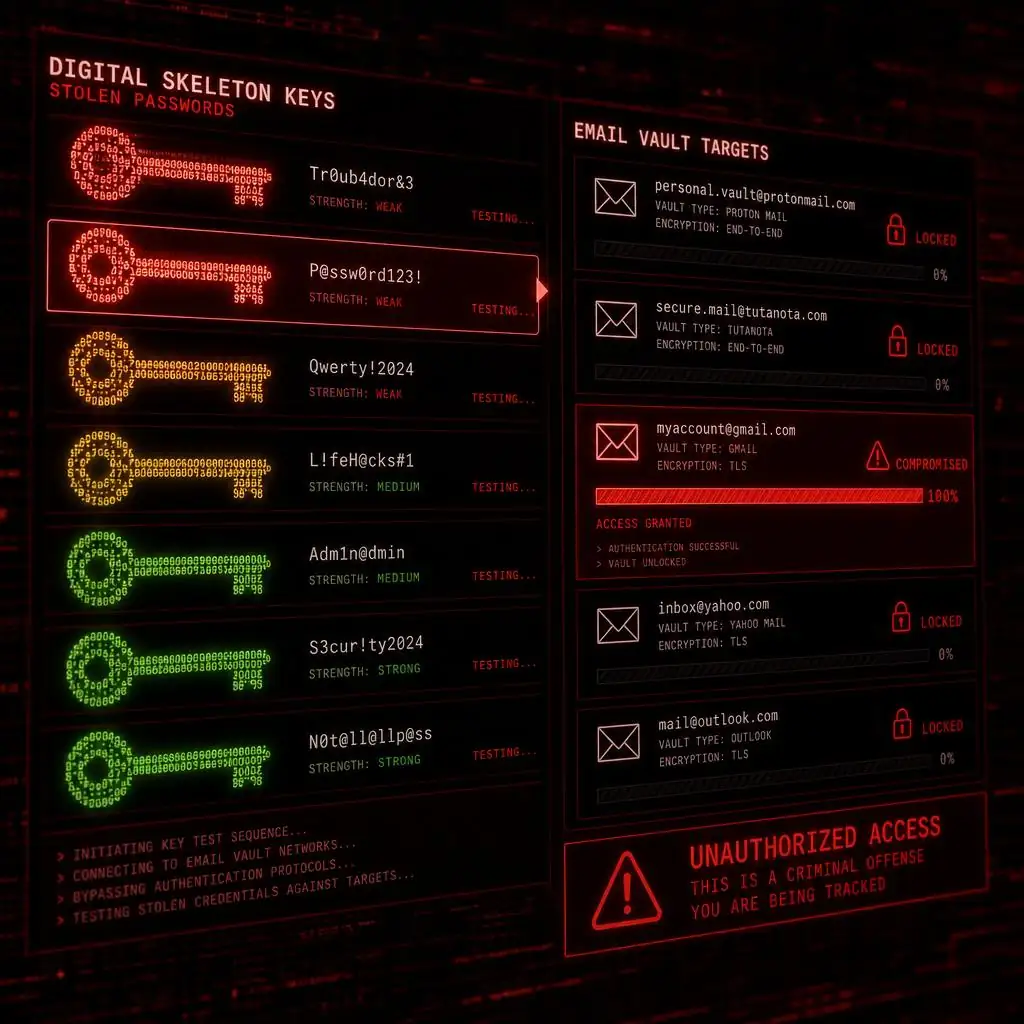
Credential stuffing is what happens after a data breach — and it is far more dangerous than most people realise. When a service gets hacked and usernames and passwords leak, attackers do not just use those credentials on the breached site. They run them, automatically, against hundreds of other services: your bank, your email, your streaming accounts, your retail accounts. The attack works because most people reuse passwords.
How credential stuffing actually works
Attackers purchase or download breach databases — lists of millions of email and password pairs exposed in previous breaches. They run these through automated tools that try each combination against a long list of target websites simultaneously, distributing the requests across thousands of IP addresses to avoid rate limiting. The process is largely automated and can test millions of credential pairs per day.
A worked example
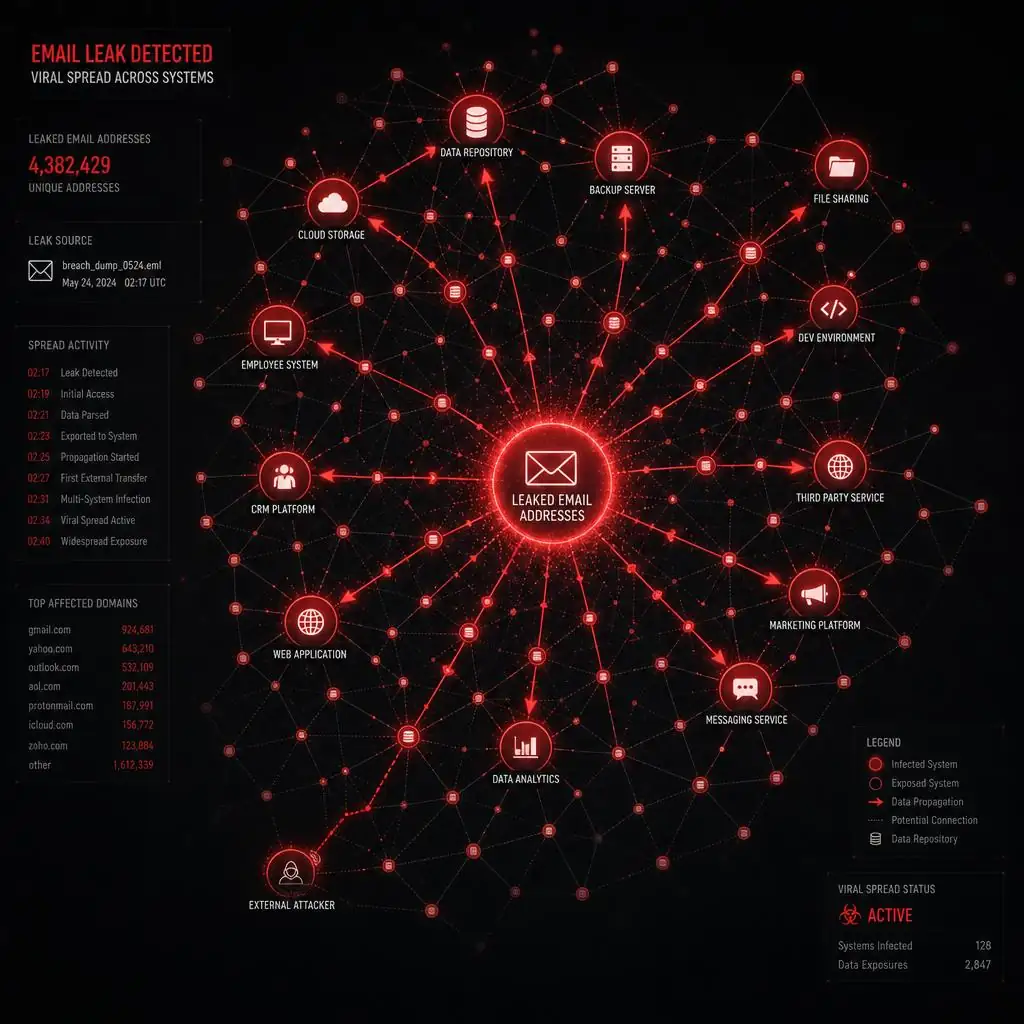
Say you joined a small recipe forum in 2021 with sana@example.com and the password Lahore2021!. In 2024 the forum is breached and its user table is dumped. Nobody targets you personally. Your pair is simply one line in a file with millions of others. An attacker loads that file into a tool and points it at a streaming service, a food-delivery app and an online store. On the two where you used the same email and the same password, the login succeeds on the first try. You never visited the forum again, and you may never learn it was the source.
Why a tiny success rate is still worth it to attackers

Most replayed logins fail. Security teams and OWASP describe success rates that are usually a fraction of one percent. But the list is enormous and trying is almost free: even at one success in a thousand, a list of ten million pairs produces around ten thousand working accounts. Those are then resold, drained of stored value such as loyalty points and gift balances, or used to send scams from a real person's account.
Credential stuffing, brute force and password spraying
- Brute force: many guessed passwords against one account. Lockouts and rate limits stop most of it.
- Password spraying: a few very common passwords (like Password123) tried across many accounts.
- Credential stuffing: real, previously leaked email-and-password pairs tried on other sites. Each account sees only one or two attempts, which is why it slips past simple lockout rules.
Signs it may be happening to you
- Password-reset or login-code emails you did not request.
- "New sign-in" alerts from a device or country you do not recognise.
- Being logged out everywhere, or finding your password no longer works.
- Changed delivery addresses, new profiles on a streaming account, or orders you did not place.
- Your address appearing in a breach when you check it on Have I Been Pwned.
How disposable email reduces your risk
- Different address per service: a stuffing attack needs a matching username. If every service has a different email, a leaked pair only works on the site it was stolen from.
- Abandoned credentials: for low-trust services, using a disposable address means nothing valuable is at stake if it leaks.
- Blast radius containment: even if a service with your disposable address is breached, the leaked address does not help attackers access anything else tied to your real identity.
What a separate address does not fix
A different email per site only breaks the match between sites. It does nothing if you reuse the same email and password pair somewhere else, and it does not stop phishing or malware that steals a password directly. It also comes with its own risk: if a throwaway inbox is the only recovery route for an account, you can be locked out for good. Keep disposable addresses for accounts you could lose without regret.
The defences that matter most, in order
- A unique password for every account, generated and stored by a password manager. This alone makes a leaked pair useless everywhere else.
- Two-factor authentication on email, banking, cloud storage and social accounts. An authenticator app or a passkey is stronger than SMS, but SMS is far better than nothing.
- Lock down your main email first. Whoever controls it can reset almost every other account you own.
- Check your addresses against known breaches, and change the password anywhere a reused one was exposed.
- Close accounts you no longer use. An account that does not exist cannot be taken over.
- Use a separate address for low-trust signups, so a breach there exposes nothing that leads back to your important accounts.
If one of your accounts was taken over
- Change that account's password from a device you trust, then sign out all other sessions.
- Change the password on every other account that shared it, starting with email and anything holding payment details.
- Turn on two-factor authentication.
- Review recovery email, phone number, forwarding rules and connected apps. Attackers often add their own so they can get back in.
- Check orders, saved cards and messages sent from the account, and report anything fraudulent to the service.
Frequently Asked Questions
How do I know if I have been a victim of credential stuffing?
Watch for unexpected password reset emails, login alerts from unfamiliar locations, or being locked out of accounts you have not tried to access. If you receive such alerts, change the password for that service immediately, enable two-factor authentication, and audit other accounts using the same credentials.
Does 2FA stop credential stuffing?
Yes, in most cases. If an attacker has the right username and password but cannot pass the second factor, they cannot get in. 2FA is one of the most effective defences against account takeover.
Can a service tell if credentials were stolen?
Services with good security monitoring look for anomalous login patterns — new locations, high failure rates, unusual session behaviour — and may trigger additional verification.
Is changing my password enough after a breach?
Only if that password was used on one site. If you reused it, change it everywhere it was used, and make each new password different so the next breach cannot spread the same way.
Does a temporary email stop credential stuffing?
It helps with one part. A leaked disposable address does not match the email on your important accounts, so the leaked pair is useless there. It does not protect an account where you reused both the address and the password, and it is not a substitute for unique passwords and two-factor authentication.
Sources & references
#credential stuffing#account takeover#password reuse attack#email security#data breach protection